 by
by Introduction
Most agencies don’t lose clients because of bad SEO—they lose them because of bad reporting.
Messy dashboards, unclear results, and time-consuming manual reports kill trust.
The right SEO reporting tools fix that. They turn raw data into client-winning insights—fast.
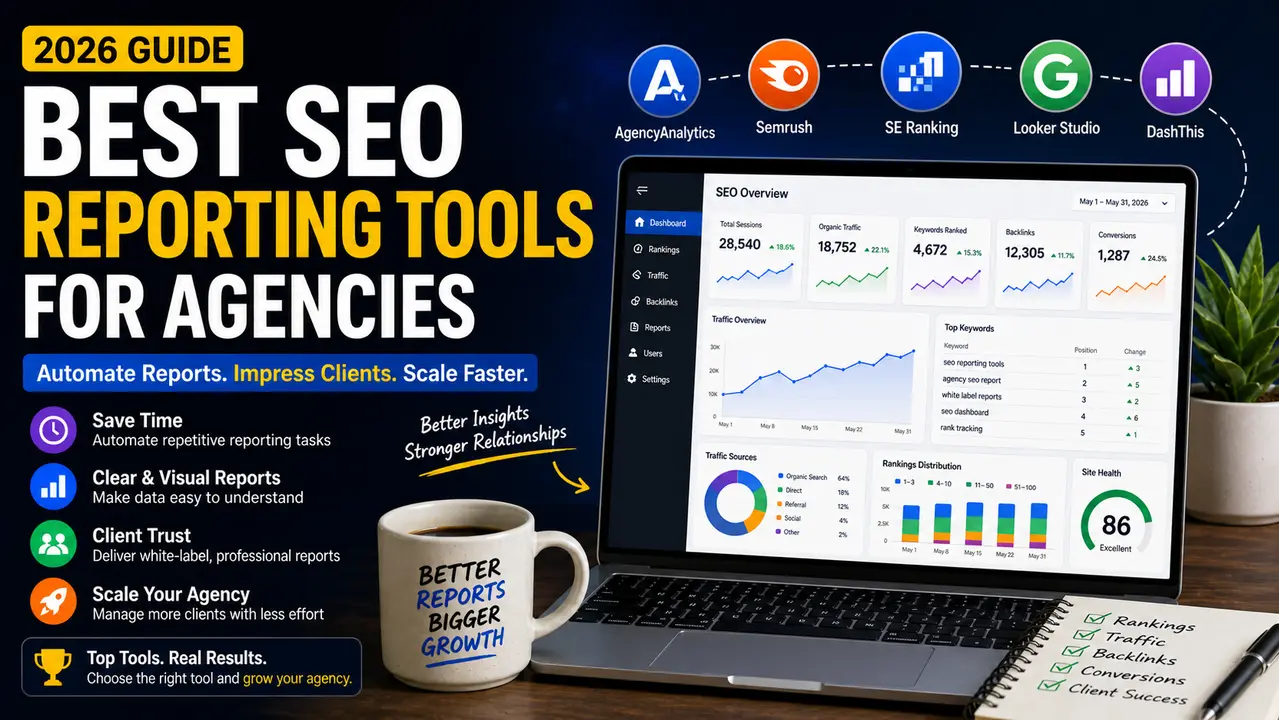
In this guide, I’ll break down the best SEO reporting tools for agencies, what actually matters, and how to choose the right one based on your workflow.
What Are SEO Reporting Tools for Agencies
Simple Explanation
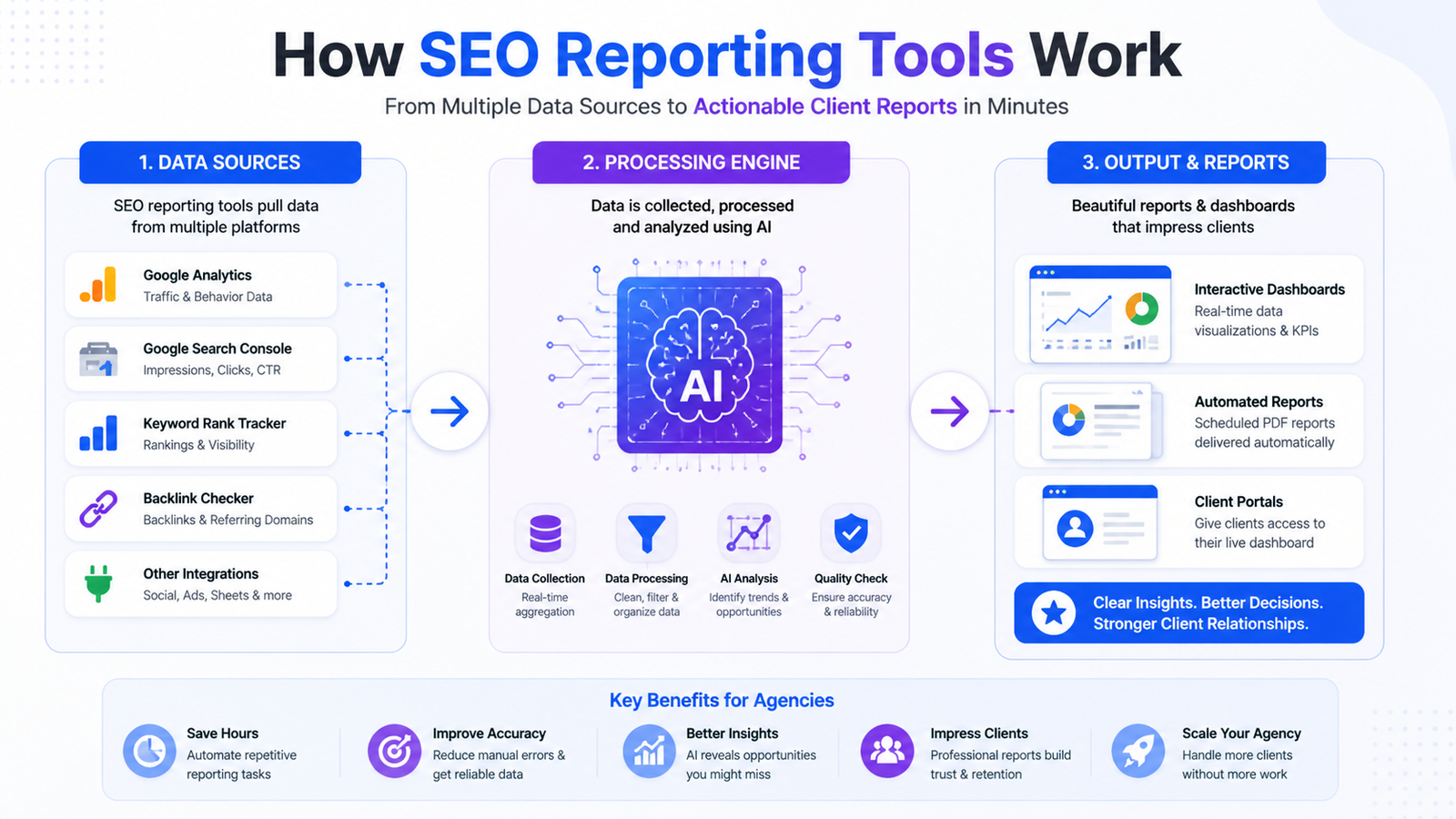
SEO reporting tools are platforms that collect data from multiple sources (Google Analytics, Search Console, keyword trackers) and present it in clear, automated reports.
Instead of manually building reports, you get:
- Real-time dashboards
- Automated client reports
- Visual insights that are easy to understand
Key Benefits
Save hours every week
Automation replaces manual reporting
Improve client retention
Clear reports build trust
Better decision-making
Data becomes actionable
Scale your agency
Handle more clients without extra workload
Quick Summary Points
- Automate SEO reporting
- Track rankings, traffic, and conversions
- Create white-label dashboards
- Deliver professional client reports
- Improve communication and transparency
Why Agencies Search for SEO Reporting Tools
Pain Points
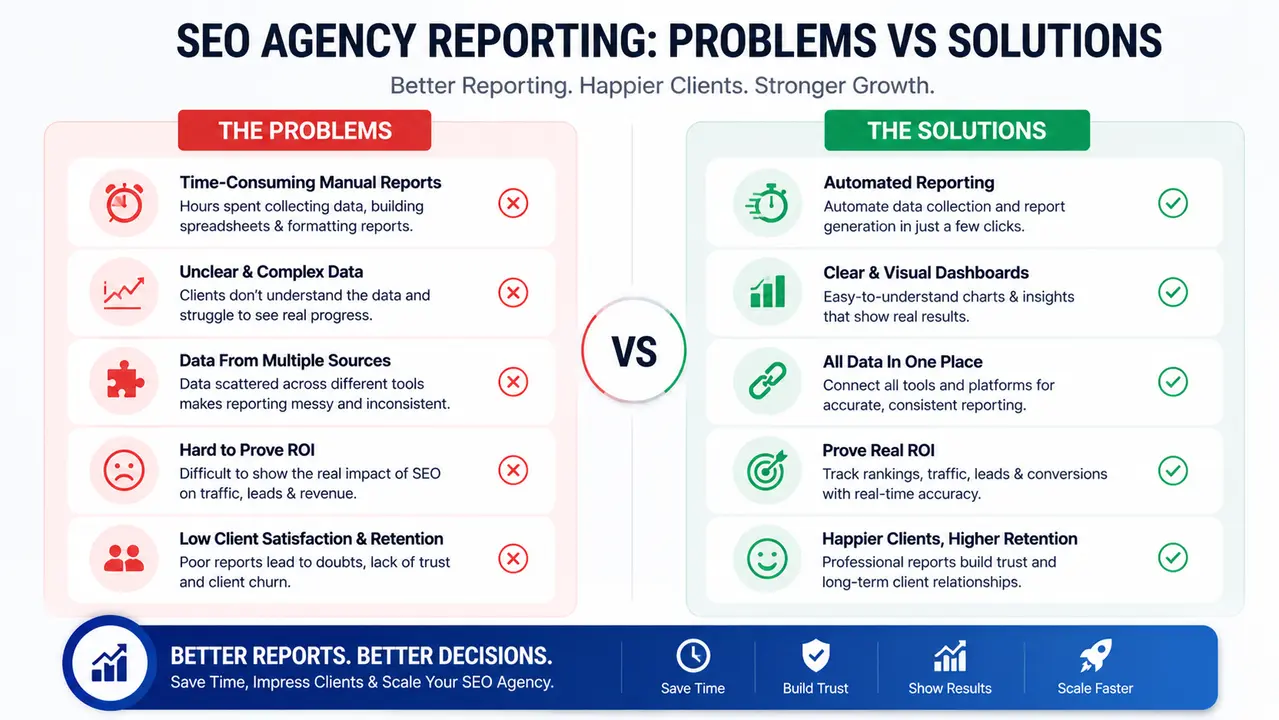
- Spending hours creating reports manually
- Clients not understanding SEO results
- Data scattered across multiple tools
- Difficulty proving ROI
Real-Life Scenario
You spend 4–6 hours building a monthly report…
Client response: “So… what does this mean?”
That’s the problem.
Good reporting tools don’t just show data—they tell a story clients understand.
Best SEO Reporting Tools for Agencies (Tested & Proven)
Semrush
Features
- Position tracking
- Site audit reports
- Competitor analysis
- Custom reporting dashboards
Benefits
- All-in-one SEO + reporting solution
- Reliable data accuracy
- Great for scaling agencies
Best For
Agencies that want a complete SEO ecosystem
Hidden Insight / Pro Tip
Use Semrush’s “My Reports” feature to create template-based reports you can reuse across clients.
Ahrefs
Features
- Backlink tracking
- Keyword rankings
- Site explorer
- Data visualization
Pros & Cons
✔ Extremely accurate backlink data
✔ Clean interface
✖ Limited built-in client reporting
Best Use Case
Agencies focused on link building and competitor analysis
Google Looker Studio
Features
- Custom dashboards
- Data integration (GA4, GSC)
- Visual reporting
Benefits
- Completely customizable
- Free to use
- Highly flexible
Best For
Agencies that want full control over report design
Hidden Insight / Pro Tip
Pair Looker Studio with APIs to create real-time dashboards clients can access anytime.
SE Ranking
Features
- Keyword tracking
- Automated reports
- White-label features
Benefits
- Budget-friendly
- Agency-focused features
- Easy to use
Best For
Small to mid-size agencies
AgencyAnalytics
Features
- White-label dashboards
- Automated reporting
- Multi-channel integrations
Benefits
- Built specifically for agencies
- Strong client reporting features
- Easy onboarding
Best For
Agencies managing multiple clients
Hidden Insight / Pro Tip
Use client login dashboards instead of PDFs to increase transparency and trust.
DashThis
Features
- Drag-and-drop dashboards
- Automated reports
- Pre-built templates
Benefits
- Extremely simple setup
- Saves reporting time
- Great visuals
Best For
Agencies that want quick and easy reporting
AccuRanker
Features
- Real-time keyword tracking
- SERP analysis
- Reporting tools
Benefits
- Fastest rank tracking
- Accurate data
- Clean reports
Best For
Agencies focused heavily on keyword rankings
Raven Tools
Features
- SEO audits
- Reporting dashboards
- Competitor tracking
Benefits
- All-in-one reporting
- Good integrations
- Affordable
Best For
Agencies needing a balanced tool
Moz Pro
Features
- Keyword tracking
- Site audits
- Reporting dashboards
Benefits
- Beginner-friendly
- Reliable metrics
- Good reporting features
Best For
Agencies starting out
Supermetrics
Features
- Data automation
- API integrations
- Reporting pipelines
Benefits
- Connect multiple tools
- Automate workflows
- Advanced reporting
Best For
Data-driven agencies
Hidden Insight / Pro Tip
Use Supermetrics to automate data flow into dashboards and eliminate manual exports forever.
Comparison Table
Tool | Key Feature | Pricing | Best Use Case | Skill Level |
Semrush | All-in-one SEO | $$$ | Full-service agencies | Intermediate |
Ahrefs | Backlink analysis | $$$ | Link building | Intermediate |
Looker Studio | Custom dashboards | Free | Custom reporting | Advanced |
SE Ranking | White-label reports | $$ | Small agencies | Beginner |
AgencyAnalytics | Client dashboards | $$ | Multi-client reporting | Beginner |
DashThis | Easy reports | $$ | Quick reporting | Beginner |
AccuRanker | Rank tracking | $$$ | Keyword tracking | Intermediate |
Raven Tools | Balanced SEO suite | $$ | General reporting | Beginner |
Moz Pro | Beginner-friendly | $$ | New agencies | Beginner |
Supermetrics | Data automation | $$$ | Advanced workflows | Advanced |
How to Choose the Right SEO Reporting Tool
Based on Budget
- Low budget → SE Ranking, Looker Studio
- Mid-range → AgencyAnalytics, DashThis
- High-end → Semrush, Ahrefs
Based on Skill Level
- Beginner → Moz Pro, SE Ranking
- Intermediate → Semrush, Ahrefs
- Advanced → Looker Studio + Supermetrics
Based on Goals
- Client reporting → AgencyAnalytics
- Data visualization → Looker Studio
- Full SEO workflow → Semrush
Common Mistakes to Avoid
Choosing based on features only
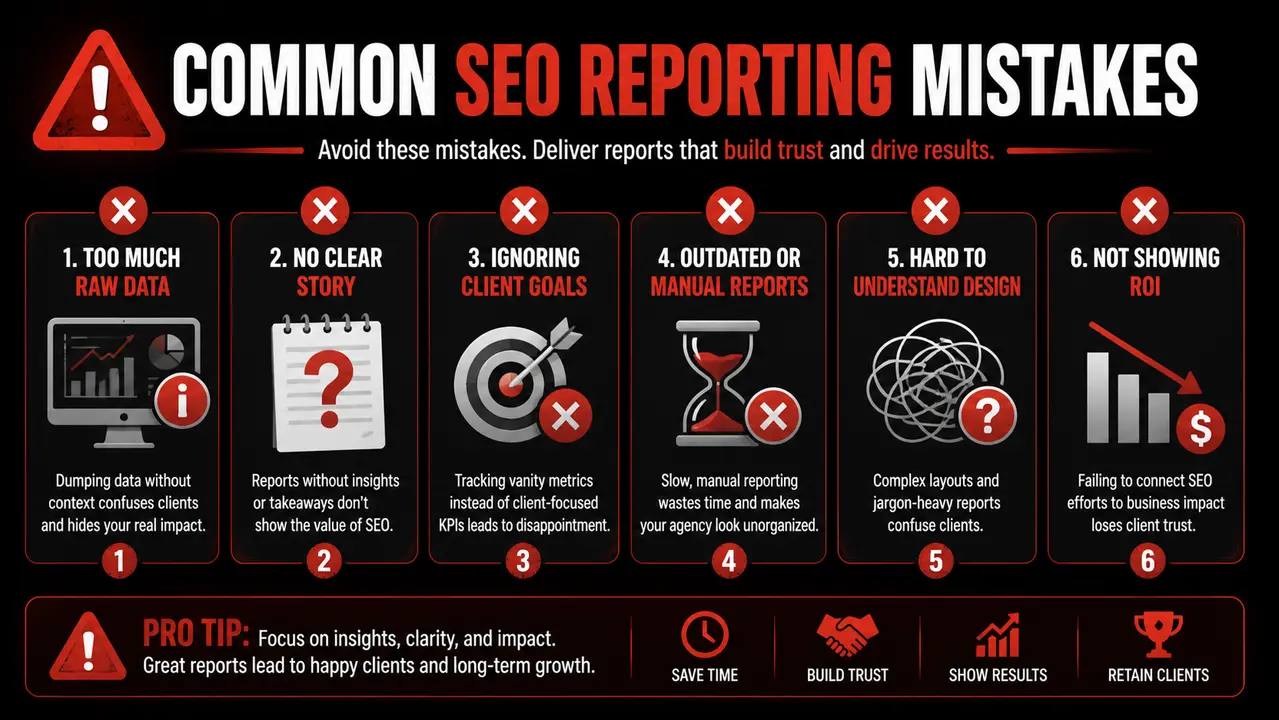
More features ≠ better results
Focus on usability and workflow
Ignoring client experience
Reports should be simple and clear
Complexity reduces trust
Not automating reports
Manual reporting wastes time
Automation is non-negotiable
Expert Tips (From Real Agency Experience)
Actionable Tips
- Use templates for faster reporting
- Focus on key metrics (traffic, rankings, ROI)
- Add insights—not just data
- Keep reports simple
Advanced Strategies
- Combine multiple tools for deeper insights
- Use dashboards instead of PDFs
- Highlight wins clearly in reports
- Track client-specific KPIs
Where These Tools Fit in Your SEO Strategy
SEO reporting is just one part of the system.
To build a complete strategy, also explore:
- Best SEO Tools for Digital Marketing in 2026 (Tested Picks That Actually Work)
- Best Local SEO Tools for Small Businesses (2026 Guide to Rank Faster Locally)
- SEO Reporting Tools for Agencies (2026 Guide to Save Time & Impress Clients)
Together, these create a full SEO workflow—from research to reporting.
Conclusion
SEO reporting isn’t just about data—it’s about communication.
The right tools help you:
- Save time
- Impress clients
- Scale your agency
If you’re serious about growth, investing in the right reporting tools isn’t optional.
It’s your competitive advantage.