by
by If you’re creating video content in 2026, you already know this truth:
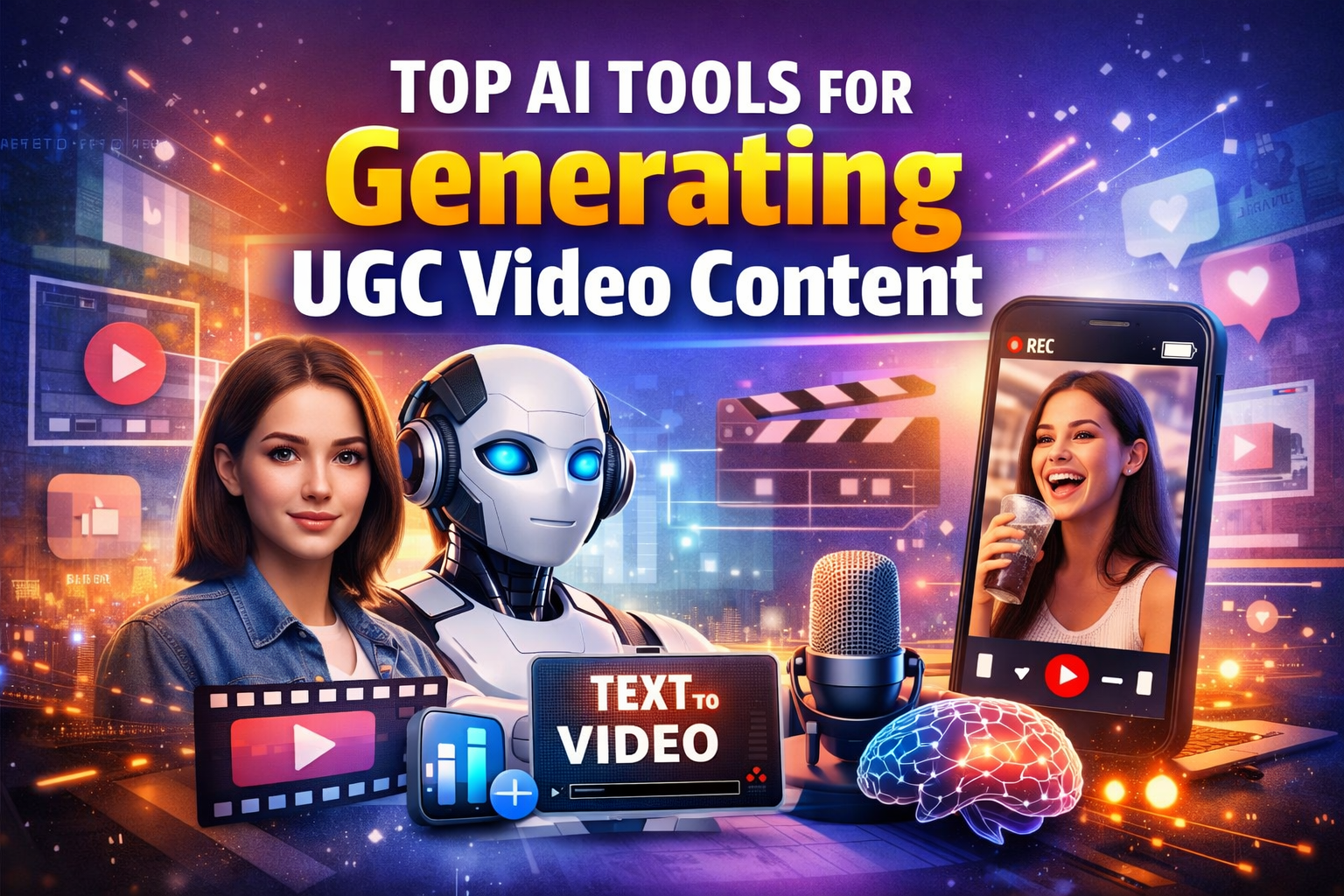
User-Generated Content (UGC) is not just a trend — it’s the heartbeat of modern engagement.
But making UGC video content every day… manually… gets exhausting, time-consuming, and frankly frustrating.
So I asked myself:
What if you could generate UGC video content with AI — fast, cheap, and still authentic?
In this guide, I’m sharing the top AI tools that help you do exactly that — from scripts to visuals, voiceovers to editing — without hiring a team.
Let’s dig in.
How AI Tools Change UGC Video Creation
Before we see the tools, let’s truth-check what good UGC video content really means today:
Conversational tone
- Real people feel (authenticity)
- Short and engaging
- Mobile-first
- Story-driven
Now imagine doing all of that without spending hours editing, recording, or rewriting scripts.
That’s where AI tools become a time-saving superpower.
1. HeyGen — Human-like AI Video Generator
Best for: Talking head UGC videos without appearing on camera
Ideal for: Product demos, explainer clips, social ads
Why I like it
Realistic AI avatars with natural voices
Upload script → generate full video
Multiple language support
How to use it
Write a short script (30–60 seconds)
Choose avatar + voice
Generate and export video
You can produce 30+ UGC clips per hour once you master the workflow.
Great when you want daily social content or multiple angles for tests.
2. Pictory — Turn Text into UGC Videos
Best for: Blog-to-video conversion & UGC ideas
Ideal for: Explainers, tutorials, list videos
What it does
Takes long text (blog, script)
Auto selects visuals
Adds captions, transitions
Why it works
People scroll with the sound off.
Pictory automatically adds captions and creates visually appealing UGC clips.
Pro tip:
Write your script in a conversational voice (like you’d speak to a friend), then let the AI format it visually.
3. Descript — Record, Edit, & Generate UGC Faster
Best for: Fast editing + AI overdub (voice cloning)
Ideal for: YouTube Shorts, TikToks, Reels
Main perks
Edit video by editing text
Auto filler removal
AI voice generation
Why this matters
Traditional editing eats your time.
With Descript, editing becomes as easy as editing a document.
4. InVideo AI — AI Script to Video in Minutes
Best for: Video ads + UGC promotional content
Ideal for: E-commerce, affiliate promos
How it helps
Script input → storyboard
Voiceover generation
Stock footage automation
You don’t need a setup crew or actors.
The AI suggests visuals based on your text.
5. Play.ht — AI Voiceovers That Sound Human
Best for: Authentic narration without recording
Ideal for: Story-driven UGC clips
Why it’s powerful
Natural-sounding voices
Multiple regional accents
Export audio for any video editor
Pair Play.ht with Pictory or Descript and you’ve got professional UGC audio instantly.
6. Synthesia — AI Avatars for UGC Presentations
Best for: UGC that looks like a real presenter
Ideal for: Brand storytelling, explainer angles
What makes it special
AI presenters with expressions
Professional studio-style output
Multi-language support
If you want your UGC to look like a “real person teaching,” this is one of the best options.
7. CapCut AI Tools — Quick UGC Edits on Mobile
Best for: Fast mobile content creation
Ideal for: Reels, TikTok, Shorts creators
Why UGC creators love it
Auto captions
Background removal
Smart editing suggestions
CapCut is perfect if you’re on the go and don’t want heavy desktop editors.
8. Runway — Creative AI Video Studio
Best for: Stylized UGC + advanced effects
Ideal for: Creative campaigns, brand-style reels
Standout features
Text to video
Object removal
Green screen magic
If you want your UGC to look cinematic, Runway gives you tools without complexity.
How to Choose the Right Tool (Simple Strategy)
Ask yourself:
Do you want real-person voice?
→ Go with Play.ht or Descript
Do you want AI face + talking head?
→ Use HeyGen or Synthesia
Do you want fast social edits?
→ Use CapCut or Pictory
Do you want pro visuals?
→ Runway
Practical Workflow I Use
Here’s how I would make a UGC video in under 20 minutes:
Write a quick script in Google Docs (60 seconds)
Generate voiceover with Play.ht
Create base video with Pictory
Polish edits in CapCut
Export + upload to TikTok / Reels / Shorts
Boom — fresh UGC content with zero camera time.
Final Tip: Keep It Human-First
AI tools help, but your voice is the magic.
Write scripts that feel like a friend talking:
Short sentences
Real examples
Emotions, not textbook English
That’s what gets clicks, shares, and watch time.
Your Next Step
Ready to start creating UGC video content daily?
Pick one tool from this list
Try it with one topic
Upload your first AI-made video this week
People don’t wait for perfect — they wait for consistent.